Find the session you actually need
The Agents filter surfaces recognized agent processes in your connected host’s tmux sessions. Jump to the matching pane instead of opening every window to find the right conversation.
Claude Code, Codex & your existing SSH host
Find your running agent, inspect the web page or files it produced, and send the next instruction. From the same iPhone workspace.
In development · iPhone & iPad · Requires a reachable SSH host
Actual Cavreno app · sample workspace
From agent output to your next instruction
A terminal reply is the start of the check. Open the web page, inspect a remote file, then swipe back to the same conversation.
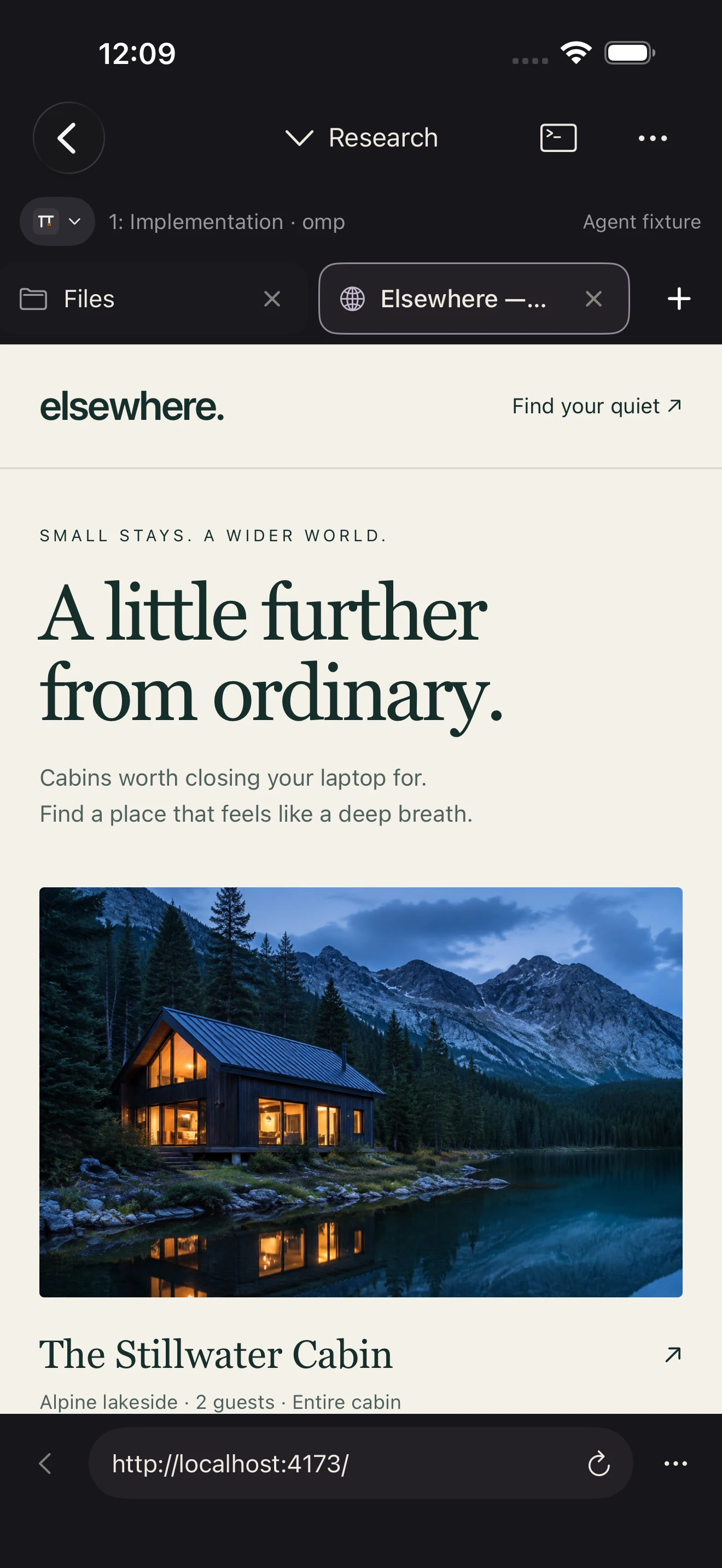
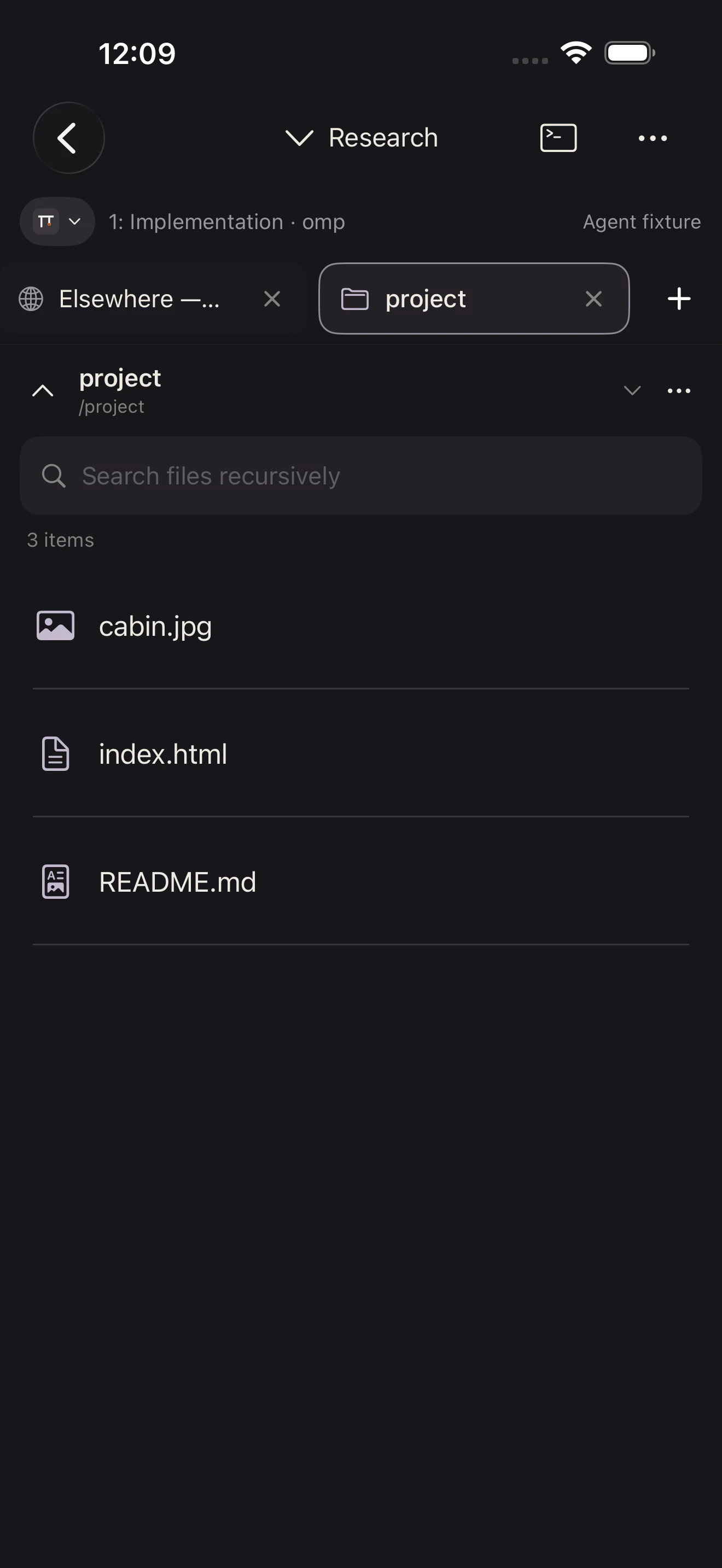
App screens · sample project
Find the agent, open its pane, and read the output. Decide what comes next without returning to your desk.
The Agents filter surfaces recognized agent processes in your connected host’s tmux sessions. Jump to the matching pane instead of opening every window to find the right conversation.
Interact with the existing terminal session on your host. Your project, shell tools, and agent stay in their remote environment; the phone becomes another way to reach them.
Open a web page or remote file in the pane’s companion workspace. Return to the terminal, then use Compose to draft and review your next instruction before sending it.
How it works
Connect to an awake, reachable SSH host. Find the coding agent running in your tmux session.
Read the terminal output, open a linked page, or browse remote files beside the conversation.
Return to the same terminal, review your reply in Compose, and send it through the agent’s own interface.
Discovery recognizes standard process signatures for tools including Claude Code, Codex, OpenCode, Pi, and Gemini CLI. Optional supported host integrations add last-reported lifecycle states. A discovered process alone is not proof that an agent is working or waiting for you.
Agent software and any provider subscription are separate. Recognition varies with executable names and launch methods. Cavreno is an independent app, not affiliated with these providers.
Questions
It runs on your SSH host. Cavreno gives you a native terminal on iPhone or iPad to interact with that remote session.
Yes. Recognized agents are listed with their tmux context so you can open their existing panes. Discovery is scoped to the connected host and selected tmux server.
Supported host integrations can surface attention requests in Cavreno’s inbox and show alerts while you are connected. Supported Codex and OpenCode requests can be reviewed in native controls; other requests open in the terminal. Background push is still in development.
Yes. Your host must stay running, and you need a network path to its SSH service when you connect. A private VPN can provide that path; Cavreno does not set up a network tunnel for you.

A closer look at the app, its workflows, and what you need to use it.
Preview CavrenoIn development · iPhone & iPad